Blog
OpenClaw Workspace Design: Best Practices for Reliable Agents
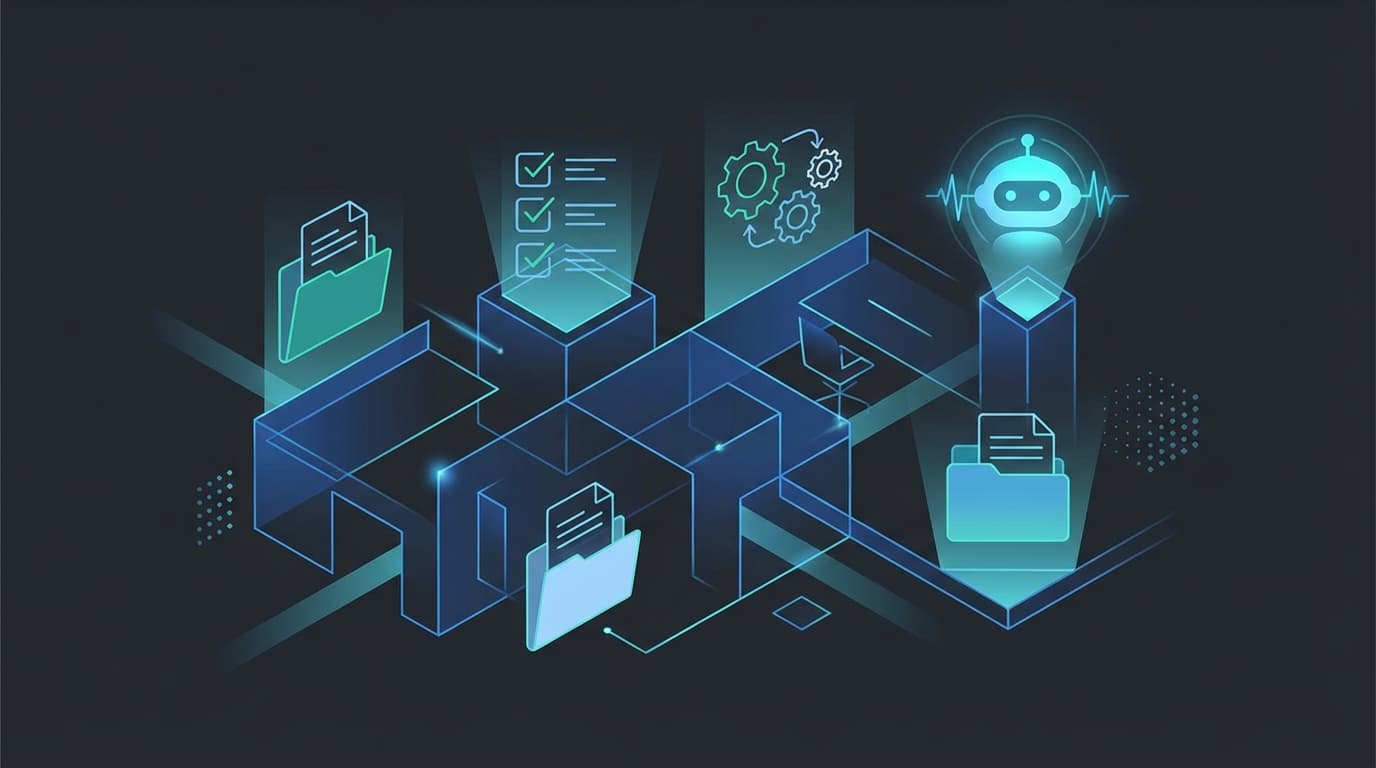
If you want an OpenClaw agent to be reliable, the workspace matters as much as the model. A well-designed workspace gives the agent an operating environment. A messy workspace forces it to guess.
That is the real difference.
People often focus on prompts first. In practice, reliability comes more from structured context: clear files, clear rules, clear routines, and clear places to put memory.
This guide explains the best practices for designing an OpenClaw workspace that stays useful as the workflow grows.
What the workspace is doing
The workspace is the agent's operating environment.
It gives the agent:
- instructions
- priorities
- tone
- routines
- memory
- a place to read and write files
That is why good workspace design matters. It changes the quality of every future interaction, not just one prompt.
If you are starting from zero, read what OpenClaw is and workspace files first.
The most important workspace principle
Make the operating model visible.
If a teammate or future version of you opens the workspace, they should be able to understand:
- what this agent is for
- how it should behave
- what it should check routinely
- where memory lives
- when it should ask for help
If those things are not visible, the workspace is doing less than it should.
The core files that matter most
AGENTS.md
This is the operating handbook.
Use it for:
- mission
- rules
- boundaries
- workflow steps
- escalation conditions
SOUL.md
This shapes tone, identity, and behavioral boundaries.
Use it for:
- voice
- communication style
- tone rules
- broad boundaries
USER.md
This captures who the agent is helping.
Use it for:
- user preferences
- business context
- communication preferences
- stable working assumptions
HEARTBEAT.md
This is for recurring checks.
Use it for:
- short checklists
- stop conditions
- report conditions
- quiet-hour rules
Memory files
These preserve continuity.
Use them for:
- daily logs
- project state
- durable preferences
- important context that should survive restarts
How to make a workspace easier for the agent to use
1. Keep files short enough to maintain
Long files are not always bad, but bloated files are.
If a file becomes too vague, too repetitive, or too overloaded, the agent and the humans maintaining it both lose clarity.
2. Give each file a clear job
Do not make one file do everything.
For example:
AGENTS.mdshould not be your daily logHEARTBEAT.mdshould not become a giant policy manual- long-term memory should not be mixed with one-off notes
Clear separation makes the workspace easier to reason about.
3. Prefer concrete rules over abstract aspirations
A workspace should say things like:
- draft, do not send
- ask before external actions
- use bullets for summaries
- log important decisions to memory
That is more useful than general advice like "be helpful" or "be careful."
4. Improve the workspace from repeated mistakes
A good workspace evolves.
If the agent makes the same mistake twice, the fix often belongs in a file.
That is how the operating environment gets stronger over time.
Common workspace design mistakes
Mistake 1: treating the workspace like storage only
The workspace is not just where files live. It is where behavior is shaped.
Mistake 2: letting chat history do all the work
Important rules should not live only in conversation.
If they matter repeatedly, they belong in files.
Mistake 3: mixing stable policy with changing task context
Some information should persist for months. Some should change every day. Do not force both into the same place.
Mistake 4: no routine layer
Without heartbeats or cron, the agent mostly reacts. With routines, it can support repeated operational needs.
A simple workspace design pattern that works
If you want a practical default, use this structure:
AGENTS.mdfor rules and workflowSOUL.mdfor tone and identityUSER.mdfor user contextHEARTBEAT.mdfor recurring checksmemory/daily/for logsmemory/projects/for project statememory/entities/when people or organizations need durable context
This is enough for a lot of useful workflows.
Why workspace design improves reliability
Reliability comes from reducing guesswork.
A good workspace reduces guesswork by answering the repeated questions in advance:
- what should I do?
- how should I do it?
- when should I stop?
- where should I store this?
- what matters here?
That is why the workspace is so important. It creates the operating environment the model can work inside.
My recommendation
If your OpenClaw setup feels inconsistent, do not start by changing models or adding more prompts.
Start by tightening the workspace.
Look at:
- which files are missing
- which files are overloaded
- which recurring rules are still trapped in chat
- which mistakes should become written guidance
That is usually the fastest path to a more reliable system.
For the official references, review the OpenClaw docs and the OpenClaw GitHub repository. You should also read the related post on what AGENTS.md is and why every AI agent needs one.
FAQ
What is an OpenClaw workspace?
It is the agent's operating environment, including the files that define rules, tone, routines, memory, and working context.
Which workspace files matter most?
Usually AGENTS.md, SOUL.md, USER.md, HEARTBEAT.md, and the memory files.
Why does workspace design affect reliability?
Because it reduces guesswork and gives the agent clear, persistent context about how it should behave.
How do I improve a weak workspace?
By separating file responsibilities, writing clearer rules, adding missing routine layers, and turning repeated mistakes into workspace guidance.
Should I rely mostly on prompts or workspace files?
For repeatable workflows, workspace files usually matter more over time because they create continuity and structure.
Related posts
View allAI Agent Guardrails: Best Practices for OpenClaw Workflows
April 4, 2026
A practical guide to AI agent guardrails in OpenClaw, including approval rules, stop conditions, scope boundaries, and the patterns that keep agents useful without causing messes.
AI Agent Runbook Template: How to Build Repeatable Agent Workflows
April 24, 2026
A practical AI agent runbook template for OpenClaw teams, including what to include, how to structure approvals and escalation, and how to turn one-off workflows into repeatable operations.
How to Install OpenClaw on Ubuntu
April 20, 2026
A practical guide to installing OpenClaw on Ubuntu, running onboarding, checking gateway health, and fixing the setup issues that trip up first-time installs.