Blog
AI Agent Escalation Rules: How to Know When an Agent Should Stop and Ask
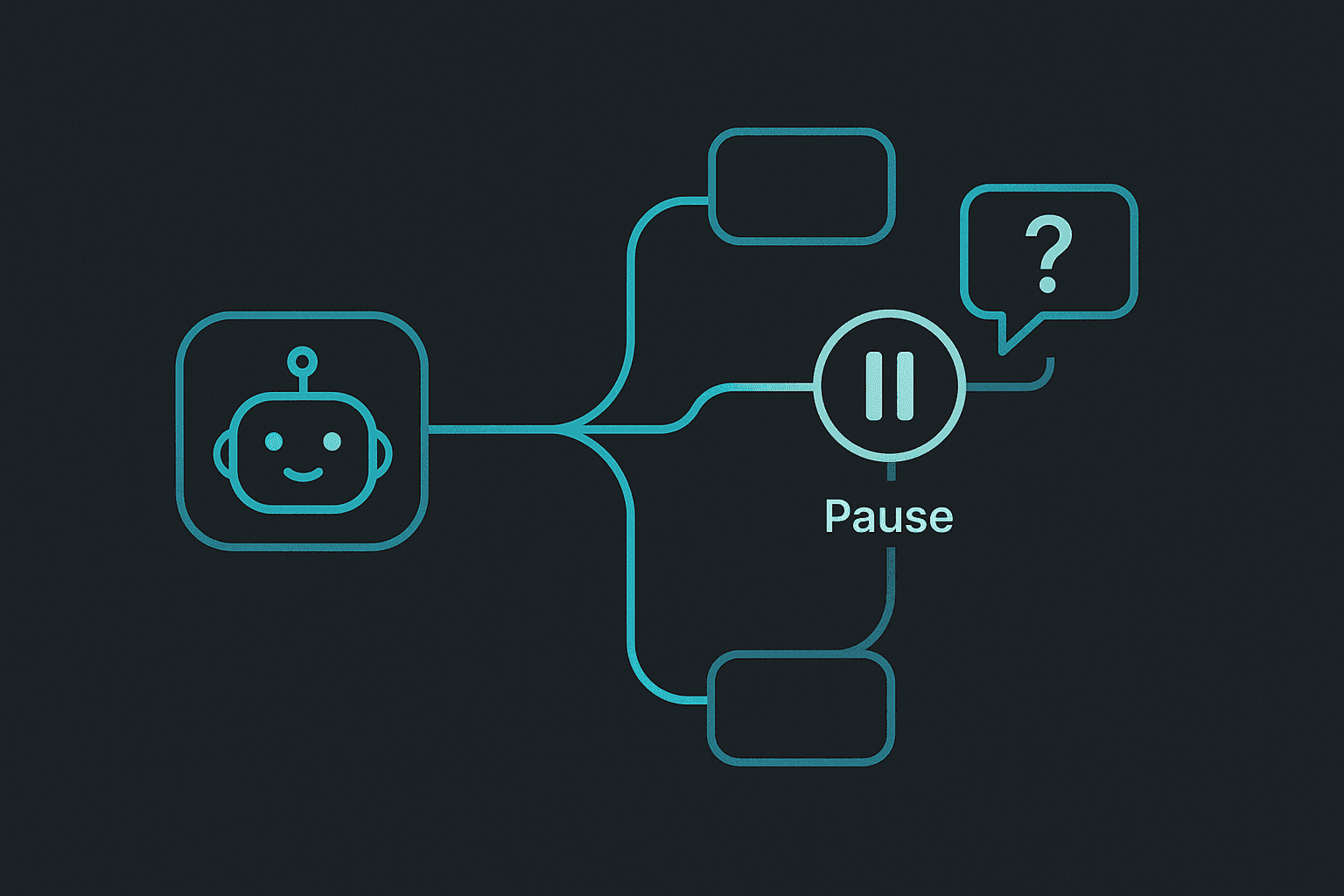
If you want an AI agent to be useful without becoming risky, you need clear escalation rules. The practical rule is simple: the agent should keep moving on routine work, but stop and ask when the request is sensitive, ambiguous, out of scope, or missing critical information. That is the short answer.
This is one of the most important reliability patterns in any agent workflow.
A lot of teams spend time telling the agent what to do. They spend much less time telling it when to stop.
That is backwards.
The real safety and quality of a workflow often depends more on the stop-and-ask moments than on the happy path.
This guide explains what escalation rules are, why they matter, what should usually trigger them, and how to write them in a way that actually helps the workflow instead of turning into vague policy wallpaper.
If you want the broader operating context first, read AI Agent Guardrails Best Practices for OpenClaw, How to Write AGENTS.md for OpenClaw, and AI Agent Workflow Guide: How to Build a Process That Actually Runs.
What escalation rules actually do
Escalation rules tell the agent when it should stop acting like the workflow is routine.
That does not mean the workflow failed.
It means the workflow reached a point where:
- the next decision needs human judgment
- the request is outside the normal pattern
- the risk is high enough that review is the better path
- the agent lacks the information it needs to proceed responsibly
This is what keeps a workflow from becoming overconfident.
Why escalation rules matter so much
Without escalation rules, an agent often keeps going past the point where it should ask for help.
That is where mistakes start to get expensive.
Examples:
- a support assistant guesses on a refund exception
- a sales workflow responds confidently to a custom pricing request
- an ops assistant treats a strange failure like a routine alert
- a content agent publishes something it should have held for review
These are not model intelligence problems first. They are workflow design problems.
The workflow did not define when normal automation should stop.
The easiest way to think about escalation
A good escalation rule answers one question:
- when should this stop being routine?
That is the core idea.
If the task is no longer routine, the agent should not pretend it still is.
The four biggest escalation triggers
1. Missing critical information
If the agent cannot complete the job without guessing about something important, it should stop and ask.
Examples:
- no customer account context
- missing deadline or required date
- unclear file or target destination
- missing details that change the recommendation
Guessing through missing context is one of the fastest ways to make an otherwise useful agent feel sloppy.
2. Sensitive or high-risk actions
Some tasks deserve escalation because the downside of a mistake is too high.
Examples:
- legal questions
- pricing exceptions
- refunds or credits
- public statements
- account access changes
- production-impacting changes
The key idea is simple: if the cost of a wrong answer is non-trivial, escalation should happen before action.
3. Requests outside the written scope
Even good agents drift when the request sounds adjacent to the workflow but is actually outside it.
For example:
- a support agent gets asked for contractual advice
- a marketing assistant gets asked to approve budget changes
- an internal ops assistant gets asked to message an external partner directly
This is why written scope matters.
An agent cannot honor a boundary that was never written down.
4. Conflicting instructions or unusual context
Sometimes the issue is not missing information. It is conflicting information.
Examples:
- one file says do X and another says do Y
- the customer history suggests one thing, but the latest message suggests another
- the workflow rules and the immediate instruction do not line up
These should trigger escalation too.
A workflow should not reward the agent for choosing the loudest instruction and hoping it was right.
Where teams usually get escalation wrong
The most common mistake is writing escalation rules that are too vague.
For example:
- escalate if unsure
- escalate if it seems important
- escalate when something looks wrong
Those sound reasonable, but they are hard to operate from.
A better rule sounds like this:
- escalate any refund request over $100
- escalate any customer complaint mentioning legal action
- escalate any production change that affects external users
- escalate when the required input file is missing
Specific rules create better behavior.
How to write escalation rules in OpenClaw
OpenClaw is a good fit for escalation-heavy workflows because the rules can live in workspace files instead of floating around in chat history.
A simple AGENTS.md section might look like this:
## Escalation rules
- If pricing, refunds, or contractual terms are involved, stop and ask.
- If critical context is missing, ask for it before continuing.
- If instructions conflict, summarize the conflict and escalate.
- If the request falls outside the listed responsibilities, do not improvise.
That is already enough to improve a lot of workflows.
The point is not to predict every edge case. The point is to define the classes of edge cases that matter.
Good escalation rules by workflow type
Customer support
Escalate when:
- the customer is angry or threatening churn
- the request involves refunds, credits, or exceptions
- the issue is not covered by the knowledge base
- the case involves account security or identity questions
Sales and follow-up
Escalate when:
- custom pricing or contract terms come up
- the prospect is a strategic or high-value account
- the request falls outside the normal sales motion
- there is conflicting information about the deal state
Operations
Escalate when:
- the workflow touches money, access, or live systems
- a process failed twice and the reason is unclear
- the result would affect customers directly
- the system lacks the information needed to proceed safely
Content and publishing
Escalate when:
- the content makes a claim that needs verification
- publishing would create public exposure without review
- the brand or tone requirements are unclear
- the workflow involves legal, medical, or financial claims
These examples are not exhaustive, but they show the pattern. Escalation rules should match the real risk and ambiguity of the workflow.
How escalation should feel in practice
A good escalation does not dump the whole problem back on a human in a messy way.
It should come with:
- a short summary of what happened
- the missing or conflicting information
- the options if there are obvious ones
- the exact question the human needs to answer
That way the escalation itself reduces work instead of just passing confusion up the chain.
What an escalation message should look like
A useful escalation message might sound like this:
- Customer asked for a refund outside the normal window.
- Account history shows two prior exceptions.
- Draft response is ready, but this needs approval.
- Question: approve a refund exception, offer credit, or deny based on policy?
That is much better than:
- Not sure what to do. Please help.
The difference is huge.
Common mistakes with escalation rules
Mistake 1: escalating too little
This is the obvious one.
The agent keeps moving when the workflow is no longer routine.
Mistake 2: escalating too much
If everything escalates, the workflow becomes slow and annoying.
That is why the rules should focus on the meaningful edge cases, not every tiny uncertainty.
Mistake 3: no escalation owner
If the workflow says to escalate but nobody owns the answer, the system stalls.
Mistake 4: escalating without enough context
A human should not have to reconstruct the whole situation from scratch just because the agent stopped.
Mistake 5: never updating the rules
If the same escalation happens repeatedly, that is usually a sign the workflow should become clearer.
Some repeated escalations should stay escalations.
Some should become part of the normal path.
How to improve escalation quality over time
Watch for patterns like:
- repeated escalation for the same reason
- escalation messages that are too vague
- humans making the same decision again and again
- edge cases that are no longer really edge cases
When those patterns show up, update the workspace rules.
That is how escalation gets smarter over time.
My recommendation
If you want a simple starting principle, use this one:
- escalate when the cost of a wrong action is higher than the cost of a quick pause
That rule works surprisingly well.
It pushes the workflow toward speed on routine work and caution on meaningful edge cases.
If you want the official references, review the OpenClaw docs and the OpenClaw GitHub repository, then pair them with How to Write AGENTS.md for OpenClaw. Escalation works best when it is written into the operating files instead of improvised in chat.
FAQ
What are AI agent escalation rules?
They are rules that tell the agent when to stop, ask for help, or route a case to a human instead of continuing normally.
When should an agent escalate?
Usually when critical information is missing, the request is sensitive, the action is high-risk, the task is out of scope, or instructions conflict.
What makes a good escalation rule?
Specificity. Good rules name the kinds of cases that should trigger escalation instead of using vague phrases like "if unsure."
Can escalation rules slow a workflow down too much?
Only if they are too broad. Good escalation rules speed up routine work by making the edge cases clearer.
Where should escalation rules live in OpenClaw?
They usually belong in AGENTS.md and related workspace files so they stay stable across sessions.
Related posts
View allAI Agent Runbook Template: How to Build Repeatable Agent Workflows
April 24, 2026
A practical AI agent runbook template for OpenClaw teams, including what to include, how to structure approvals and escalation, and how to turn one-off workflows into repeatable operations.
How to Install OpenClaw on Ubuntu
April 20, 2026
A practical guide to installing OpenClaw on Ubuntu, running onboarding, checking gateway health, and fixing the setup issues that trip up first-time installs.
OpenClaw Mac Mini Setup Guide: How to Run an Always-On Agent at Home
April 20, 2026
A practical guide to setting up OpenClaw on a Mac Mini, installing the gateway daemon, keeping it stable, and turning it into a reliable always-on home agent box.