Blog
AI Agent Failure Recovery Patterns: How to Handle Breakdowns Without Chaos
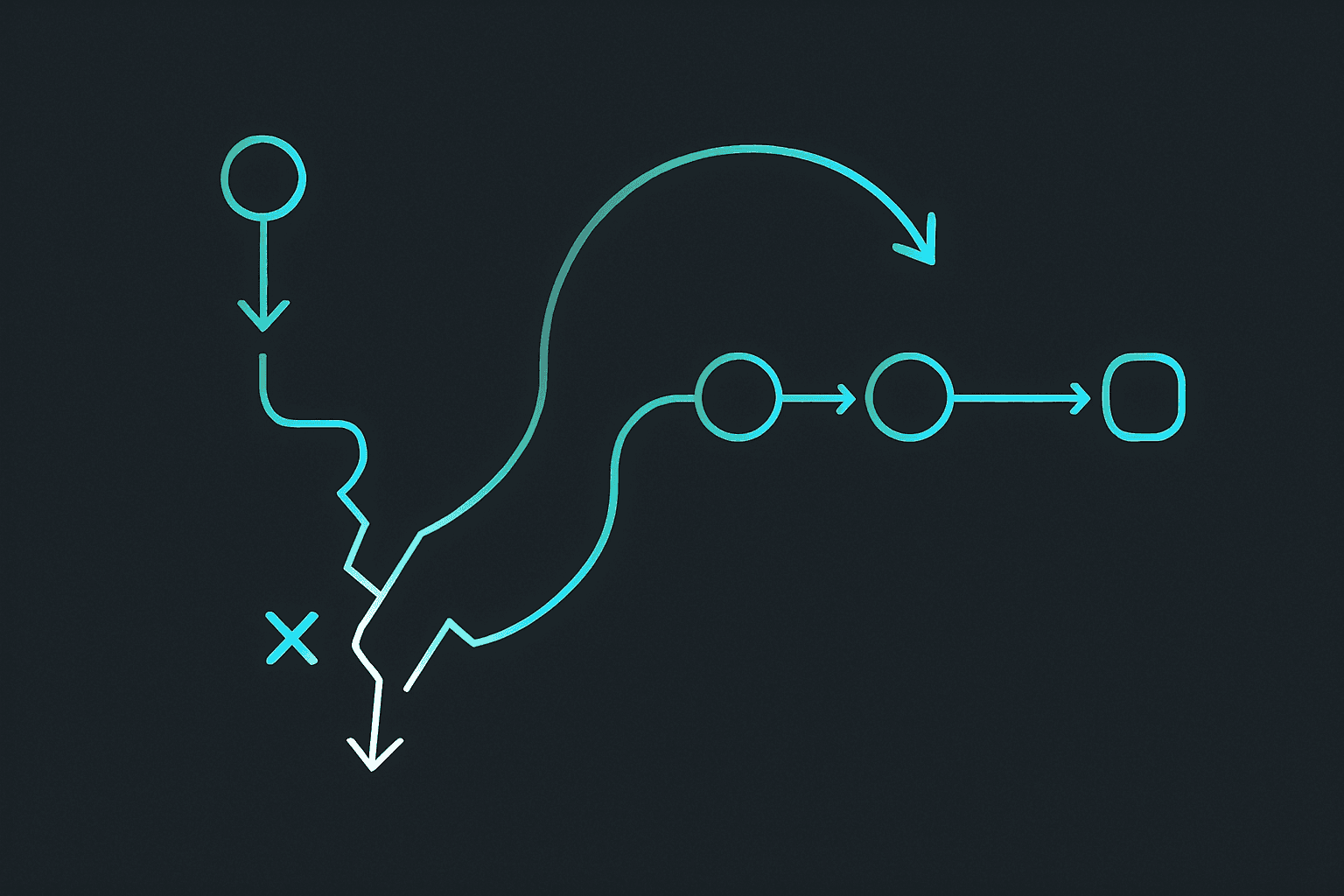
If you want AI agents to be useful in real workflows, you need recovery patterns before the first failure happens. The practical rule is simple: assume workflows will break sometimes, then design what should happen next instead of letting every error turn into confusion. That is the short answer.
This matters more than many teams expect.
A workflow is not reliable because it never fails. It is reliable because failure is visible, contained, and recoverable.
That is the difference between a system that feels operational and a system that feels like a demo.
This guide explains the failure patterns that show up most often in agent workflows, what good recovery looks like, and how to design agent systems that fail cleanly instead of cascading into extra work.
If you want the broader workflow foundation first, read AI Agent Workflow Guide: How to Build a Process That Actually Runs, AI Agent Orchestration: What It Is and How It Works, and OpenClaw for Developers: Practical Use Cases That Actually Save Time.
Why recovery matters so much
A lot of agent conversations focus on capability.
Can the agent do this task? Can it use this tool? Can it draft that output?
Those are valid questions, but they are incomplete.
The better operational question is:
- what happens when the workflow cannot complete normally?
That might be because:
- a tool errors
- an API rate limit hits
- a file is missing
- instructions conflict
- required context is incomplete
- a previous step partly succeeded and partly failed
If the workflow has no recovery path, the agent tends to either stop badly or push through badly. Neither is good.
The most common failure types
1. Tool or API failure
The workflow was correct, but the tool call failed.
Examples:
- web request timed out
- third-party API returned an error
- service quota was exhausted
- file write was denied
2. Missing context
The task cannot be completed responsibly because something important is not available.
Examples:
- missing source file
- missing user preference
- unclear target system
- incomplete conversation history
3. Partial completion
Part of the workflow succeeded, but not all of it.
Examples:
- draft created but send step failed
- summary generated but logging failed
- file updated but notification step never happened
This is one of the trickiest cases because the workflow is not fully broken, but it is not fully complete either.
4. Conflicting instructions
The agent has enough information to see that the rules do not line up cleanly.
Examples:
- one file says draft-first, another implies direct send
- recent instructions conflict with durable rules
- the workflow asks for speed while the policy requires review
5. Scope mismatch
The request sounds close to the workflow, but it has crossed into a case the workflow was not designed for.
That is where recovery and escalation start to overlap.
What good recovery looks like
Good recovery is not heroic.
It is boring.
A good recovery pattern usually does four things:
- identifies what failed
- preserves what already succeeded
- stops unsafe next actions
- tells the human or next step what should happen now
That is it.
A workflow does not need to pretend it is invincible. It needs to leave the system in a clean state.
Pattern 1: retry only when retry makes sense
Retries are useful when the failure is likely transient.
Examples:
- temporary network error
- rate limit window
- short-lived service issue
Retries are a bad idea when the failure is structural.
Examples:
- missing required input
- denied permission
- conflicting instructions
- invalid target path
This is where many teams go wrong. They treat every error like a temporary inconvenience and burn time repeating the wrong step.
Pattern 2: preserve partial work
If the draft was created successfully, do not throw it away just because the send step failed.
If the summary exists, do not make the human redo it just because logging broke.
This is a very practical rule:
- save whatever useful work was already completed
That makes recovery faster and reduces frustration.
In many cases, the recovery step should hand back the partial result with a clear note about what did not finish.
Pattern 3: escalate with context, not just with an error
Bad recovery says:
- workflow failed
Good recovery says:
- draft completed
- delivery step failed due to missing permission
- no external action was taken
- next step is to review permissions or send manually
That difference matters.
A useful failure report should include:
- what the workflow tried to do
- what completed successfully
- what failed
- whether any external side effects happened
- what the human should do next
Pattern 4: use fallback paths carefully
Sometimes the workflow can recover by switching to a fallback.
Examples:
- use a secondary model if the primary one is unavailable
- use a cached source if the external service is down
- switch from live send to draft-only output
- route to a human review step if automation cannot continue safely
Fallbacks are useful when they preserve the intent of the workflow without hiding the failure.
A bad fallback quietly changes the meaning of the task.
A good fallback keeps the workflow moving while staying honest about what changed.
Pattern 5: define safe stop points
A good workflow knows where it can stop safely.
That might mean:
- before anything external is sent
- after the draft is saved
- before a destructive action
- after writing a status note to memory
This matters because some failures are not recoverable in the same run.
In those cases, the goal is not to finish at all costs. The goal is to stop at the safest boundary.
Pattern 6: make recovery visible in the operating files
OpenClaw workflows get more reliable when recovery expectations are written down.
For example, an AGENTS.md section might say:
## Failure handling rules
- If a tool fails once for a likely transient reason, retry once.
- If required context is missing, stop and ask instead of guessing.
- If a draft is completed but delivery fails, return the draft and explain the blocked step.
- Never continue past a failed external action without confirming the current state.
That gives the workflow a real operating posture instead of a vague hope that the model will recover gracefully.
A simple recovery example
Imagine a scheduled follow-up workflow.
The intended path is:
1. gather the account context
2. draft the message
3. log the action
4. send or queue for approval
A clean recovery path could be:
- if context is missing, stop and request it
- if drafting succeeds but logging fails, return the draft and note the logging issue
- if the send step fails, confirm no send happened and leave the message ready for manual use
That keeps the workflow from turning one failure into three more problems.
Common recovery mistakes
Mistake 1: retrying everything
Some failures need a retry. Others need a human.
Mistake 2: losing partial work
This is one of the most frustrating workflow mistakes because the system erases the useful part that was already done.
Mistake 3: hiding the failure behind a fallback
Fallbacks should keep the system useful, not make the operator guess what really happened.
Mistake 4: no side-effect awareness
If the workflow touched an external system, recovery should say whether anything actually changed.
Mistake 5: no written recovery rules
If the recovery path exists only in your head, the agent cannot follow it consistently.
What to measure
If you want to improve recovery quality, watch:
- how often workflows fail
- how often retries actually fix the problem
- whether partial work is preserved
- whether humans can understand the failure quickly
- whether the same failure keeps recurring without a rule change
Those are more useful than simply counting errors.
My recommendation
If you want one recovery rule to keep in mind, use this:
- fail safely, preserve useful work, and return the next best action clearly
That one principle makes workflows much easier to operate.
If you want the official references, review the OpenClaw docs and the OpenClaw GitHub repository. Then pair them with AI Agent Workflow Guide: How to Build a Process That Actually Runs because recovery is one of the main differences between a workflow that looks nice and a workflow that survives contact with reality.
FAQ
What is AI agent failure recovery?
It is the set of patterns that decide what the workflow should do after something goes wrong, including retries, fallbacks, escalation, and safe stopping points.
Should every agent workflow have retries?
No. Retries help with transient failures, but structural problems like missing context or bad permissions usually need a stop or escalation instead.
What should happen if a workflow partly succeeds?
Preserve the useful work, report what failed, and make the next action clear instead of forcing the whole task to restart from zero.
What is a good fallback?
A fallback that keeps the workflow useful without hiding the fact that the normal path failed.
Where should recovery rules live in OpenClaw?
They should be written into the workspace files, especially AGENTS.md, so the workflow handles failure consistently across runs.
Related posts
View allAI Agent Runbook Template: How to Build Repeatable Agent Workflows
April 24, 2026
A practical AI agent runbook template for OpenClaw teams, including what to include, how to structure approvals and escalation, and how to turn one-off workflows into repeatable operations.
How to Install OpenClaw on Ubuntu
April 20, 2026
A practical guide to installing OpenClaw on Ubuntu, running onboarding, checking gateway health, and fixing the setup issues that trip up first-time installs.
OpenClaw Mac Mini Setup Guide: How to Run an Always-On Agent at Home
April 20, 2026
A practical guide to setting up OpenClaw on a Mac Mini, installing the gateway daemon, keeping it stable, and turning it into a reliable always-on home agent box.